
Views: 0 Author: Site Editor Publish Time: 2026-10-14 Origin: Site


Picture this scenario. A hungry diner steps up to a bustling counter. They squint helplessly at a tiny, poorly lit board mounted high on the wall. Frustration mounts. The line slows to a crawl. The overall dining experience sours before the first bite is even ordered. Selecting an improper dimension for your eatery inadvertently throttles sales. It bottlenecks queue speeds. It severely clashes with your carefully curated interior design.
Recent industry data indicates a massive shift in the fast-casual dining sector. Facing labor shortages and the need for dynamic pricing, modern establishments are rapidly abandoning static boards. They are adopting modular digital ecosystems and interactive self-ordering terminals. This transition emphasizes layout flexibility and operational efficiency over traditional printed materials. Finding the perfect digital signage size is not guesswork. It is a precise science. It requires calculating viewing distance, spatial layout, and strategic content delivery. This guide walks you through the nuances of selecting the optimal dimensions, orientation, and hardware to guarantee maximum return on investment.
Key Takeaways
Viewing Distance is King: Optimal dimensions depend heavily on how far your customers stand from the counter. A reliable rule of thumb is 10 inches of diagonal space for every 3 to 4 feet of distance.
The Industry Standard: 43-inch to 55-inch panels hit the sweet spot for the vast majority of quick-service restaurants and cafes.
Commercial Over Consumer: Always opt for professional-grade hardware. This guarantees proper brightness, rugged durability, and thermal management for continuous operation.
Consider Interactivity: Smaller kiosks ranging from 22 to 32 inches are ergonomically ideal for self-service applications.
Multi-Screen Setups: Three 43-inch monitors provide a much better organized layout than one massive 65-inch television.
When patrons effortlessly scan your offerings while waiting in the queue, they arrive at the register primed and ready to purchase. This seamless readability drastically accelerates order velocity. Showcasing mouth-watering, high-definition culinary imagery on adequately proportioned real estate serves as a silent yet highly potent upselling tool.
Specifically, falling into the too small trap results in cluttered typography. It induces a phenomenon known as menu blindness where guests simply give up reading. Conversely, an overwhelmingly massive monitor can swallow a cozy cafe atmosphere. Oversized units often trigger eye fatigue. They force guests into an uncomfortable tennis-match viewing experience, whipping their heads back and forth just to absorb the options.
Precision begins with a simple tape measure. Calculate the physical span from the average customer eye level at the start of the line to the exact wall where the hardware will reside. As a baseline benchmark, you need approximately 10 inches of diagonal real estate for every 3 to 4 feet of visual gap.
For intimate settings where guests stand merely 5 to 7 feet away, 32-inch to 43-inch units provide the perfect balance. If the gap widens to 8 to 12 feet, it is necessary to upgrade to 47-inch to 55-inch models. For expansive food halls or distances exceeding 13 feet, 65-inch behemoths or multi-panel video walls become absolutely essential to maintain clarity.
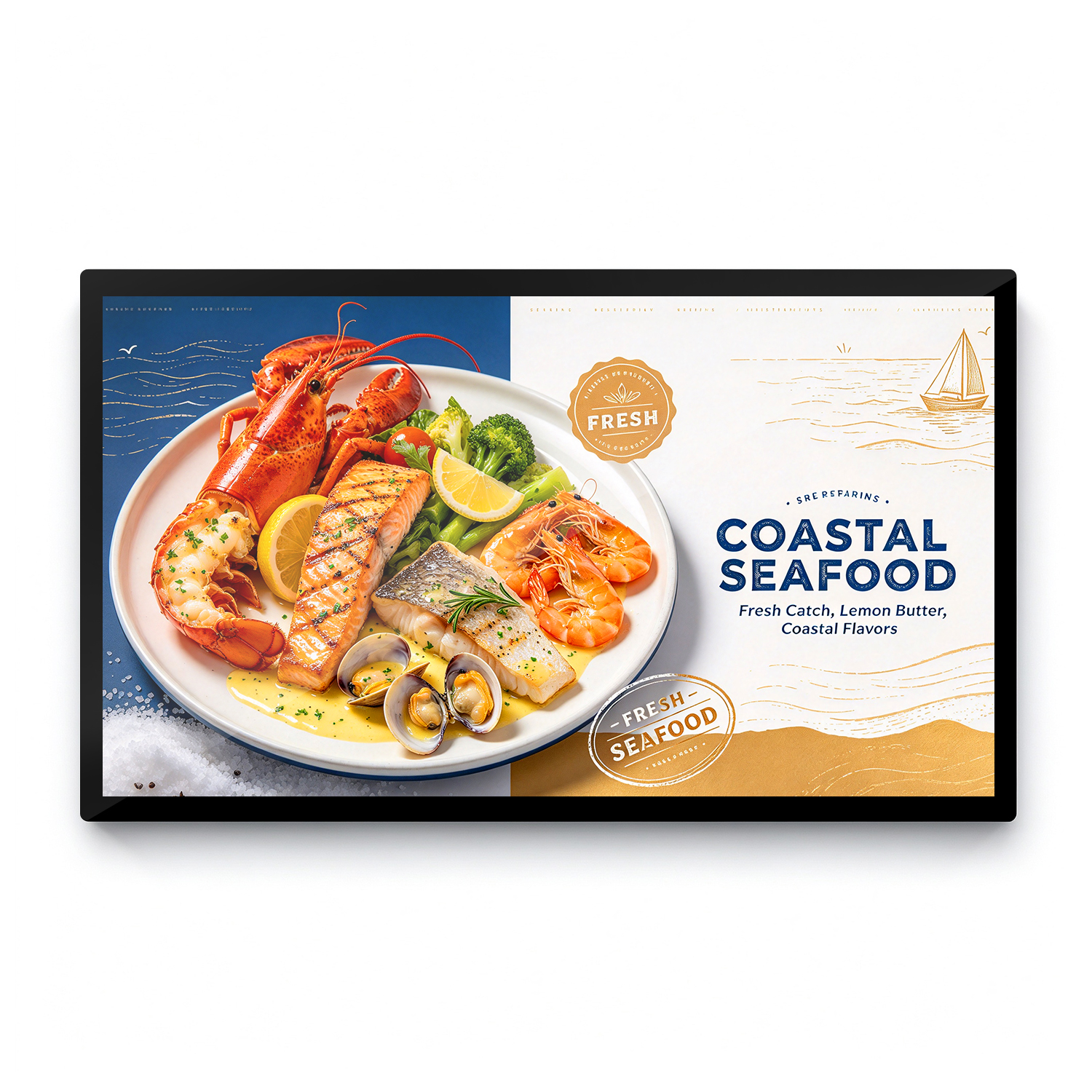
Let us look at the actual hardware specifications you need to consider. Rather than relying on abstract concepts, use this direct selection standard for your upcoming deployment to ensure optimal performance.
| Venue Type | Viewing Distance | Recommended Size | Ideal Brightness | Primary Use Case |
|---|---|---|---|---|
| Small Cafe or Food Truck | 3 to 6 feet | 22 to 32 inches | 500 to 700 nits | Single-category lists, espresso menus |
| Standard Fast Food | 7 to 12 feet | 43 to 55 inches | 700 to 1000 nits | Multi-panel arrays, combo promotions |
| Food Court or Drive-Thru | 13+ feet | 65+ inches or Video Wall | 1500 to 2500+ nits | High visibility from afar, outdoor readability |
Compact 32-inch to 43-inch dimensions are tailor-made for coffee shops, boutique bakeries, or bustling food trucks dealing with low ceilings and restricted ordering zones. For instance, a 32-inch commercial screen equipped with an IPS panel ensures vibrant colors even when viewed from sharp side angles. This prevents the image from washing out as customers walk past the counter.
Within the hyper-competitive quick-service landscape, the 55-inch monitor reigns supreme as the definitive standard. It provides ample visual territory to run captivating promotional videos right alongside crisp pricing tiers. When dealing with cavernous food court environments or outdoor drive-thru lanes, scaling up is non-negotiable. High-brightness outdoor-rated panels are required to ensure the text remains legible under direct sunlight.
A lone, expansive monitor serves exceptionally well for minimalist concepts or upscale dining venues. In these high-end environments, the technology is primarily utilized for ambient brand storytelling rather than heavy itemized text delivery.
In contrast, linking multiple smaller units typically yields a far superior menu display compared to purchasing one gigantic television. This modular approach facilitates strategic zoning. The first panel highlights signature mains. The second panel organizes sides and beverages. The third panel focuses entirely on high-margin promotional combos.
If you opt for a multi-monitor configuration, prioritizing narrow-bezel designs is a critical engineering step. Ultra-thin frames, sometimes measuring less than 3.5 millimeters combined, ensure the physical gap between monitors remains nearly invisible. This prevents jarring interruptions in your visual flow and allows for seamless content spanning across multiple displays.
Horizontal mounting remains the undisputed champion for left-to-right reading comprehension. It naturally accommodates multi-panel arrays suspended high above cash registers. This aligns perfectly with standard human scanning habits.
Furthermore, vertical alignment mimics the familiar geometry of a smartphone. This orientation thrives in narrow architectural alcoves or street-facing windows. It is perfect for showcasing towering culinary photography like a stacked artisanal burger. From a strict hardware standpoint, installing a monitor in portrait mode requires specialized thermal management. Heat naturally rises along the longer axis of the panel. Consumer-grade electronics will quickly overheat and fail in this orientation, making purpose-built professional signage mandatory.
A common pitfall for budget-conscious owners is grabbing a cheap television from a local big-box retailer. This is a costly mistake. Hospitality environments are notoriously bright. A standard domestic TV outputs a mere 250 to 300 nits. It will inevitably look washed out under track lighting or near sunlit windows. A true professional-grade panel boasts 500 to over 2500 nits of luminance. It effortlessly slices through glare to deliver vibrant, punchy graphics.
Domestic electronics are engineered for casual evening viewing. They typically max out at a few hours daily. Professional signage demands rigorous continuous reliability. Deploying consumer hardware in a commercial setting voids the manufacturer warranty. It rapidly accelerates hardware degradation, ultimately culminating in unsightly image burn-in and dead pixels.
As the hospitality sector pivots heavily toward self-ordering automation, sizing paradigms shift dramatically. Because the patron stands mere inches away to physically engage with the interface, installing a massive monitor actually becomes a severe hindrance. Oversized kiosks cause arm fatigue. They force awkward reaching motions. They completely obliterate user privacy while entering sensitive payment details.
For an interactive touch display, the 22-inch to 32-inch range has emerged as the definitive industry standard. A 32-inch capacitive touch system offers a highly responsive 10-point multi-touch experience. This compact footprint cleverly mimics the intuitive feel of a large tablet. It ensures the user experience remains comfortable, highly accessible, and exceptionally efficient.
Once the ideal dimensions are secured, flawless execution is everything. Monitors hoisted high above the service counter should feature a slight downward tilt. Aim for roughly 10 to 15 degrees using adjustable VESA mounts. This subtle mechanical adjustment guarantees the viewing angle intersects directly with the natural line of sight. It eliminates color distortion and prevents neck strain.
Ultimately, hardware dimensions must synergize with your graphic design. Even a sprawling 55-inch canvas becomes entirely useless if the typography is microscopic. Maintain a minimum font size of 20 to 30 points for standard indoor viewing distances. This ensures absolute legibility across the board.
Conclusion
Pinpointing the exact size for your visual boards requires a delicate balancing act between spatial constraints, customer proximity, and the complexity of your offerings. A multi-panel array of 43-inch to 55-inch professional monitors remains the safest, most lucrative bet for traditional service counters. Scaling down to a 22-inch to 32-inch footprint is absolutely imperative for self-service interactivity. Take the guesswork out of your next facility upgrade. Stop wasting budget on inadequate consumer televisions that will fail within months. Evaluate your spatial requirements, determine your ideal viewing distances, and invest in purpose-built hardware. To discover the flawless fit for your dining establishment, explore the specialized catalog of professional commercial displays at Aiyos. Visit https://www.aiyos.com to consult with industry experts, review detailed product specifications, and request a tailored quote today.
While technically possible, it is heavily discouraged by hardware engineers and integrators. Standard domestic televisions simply lack the intense brightness required to compete with the ambient lighting typical of modern restaurants. Furthermore, they are not engineered with the thermal management necessary to survive 12-plus hours of daily continuous operation. Deploying them commercially voids warranties and guarantees premature panel failure.
Typography scaling depends entirely on how far back your patrons are standing. A reliable baseline dictates that text should be at least one inch tall for every 10 feet of visual gap. If you are utilizing a standard 50-inch monitor viewed from a 10-foot distance, implementing a font size between 30pt and 40pt is highly recommended to maintain crisp readability.
Financial investments fluctuate based on overall dimensions, peak brightness levels, and specific hardware capabilities like capacitive touch or high-nit outdoor ratings. Generally speaking, a high-quality 43-inch to 55-inch professional monitor will range anywhere from $500 to $1,500 per unit. This baseline estimate typically excludes secondary expenses such as cloud-based software subscriptions and professional installation labor.
Horizontal landscape orientation excels in wide architectural spaces above service counters. It naturally accommodates traditional, itemized pricing lists that read left-to-right. Vertical portrait orientation is an exceptional choice for narrow wall segments, eye-level column mounting, and vividly highlighting high-resolution, tall food photography to drive impulse purchases.
For any screen size above 32 inches, 4K Ultra HD resolution is rapidly becoming the industry standard. While 1080p Full HD is sufficient for smaller kiosks or displays viewed from a significant distance, 4K ensures that small text, pricing details, and intricate food photography remain razor-sharp and free of pixelation when viewed up close.
The bottom edge of the display should ideally sit between 6.5 and 7 feet off the ground. This height clears the heads of the staff working behind the counter while remaining comfortably within the natural upward gaze of customers standing in line. A downward tilt of 10 to 15 degrees is crucial at this height to optimize the viewing angle.


